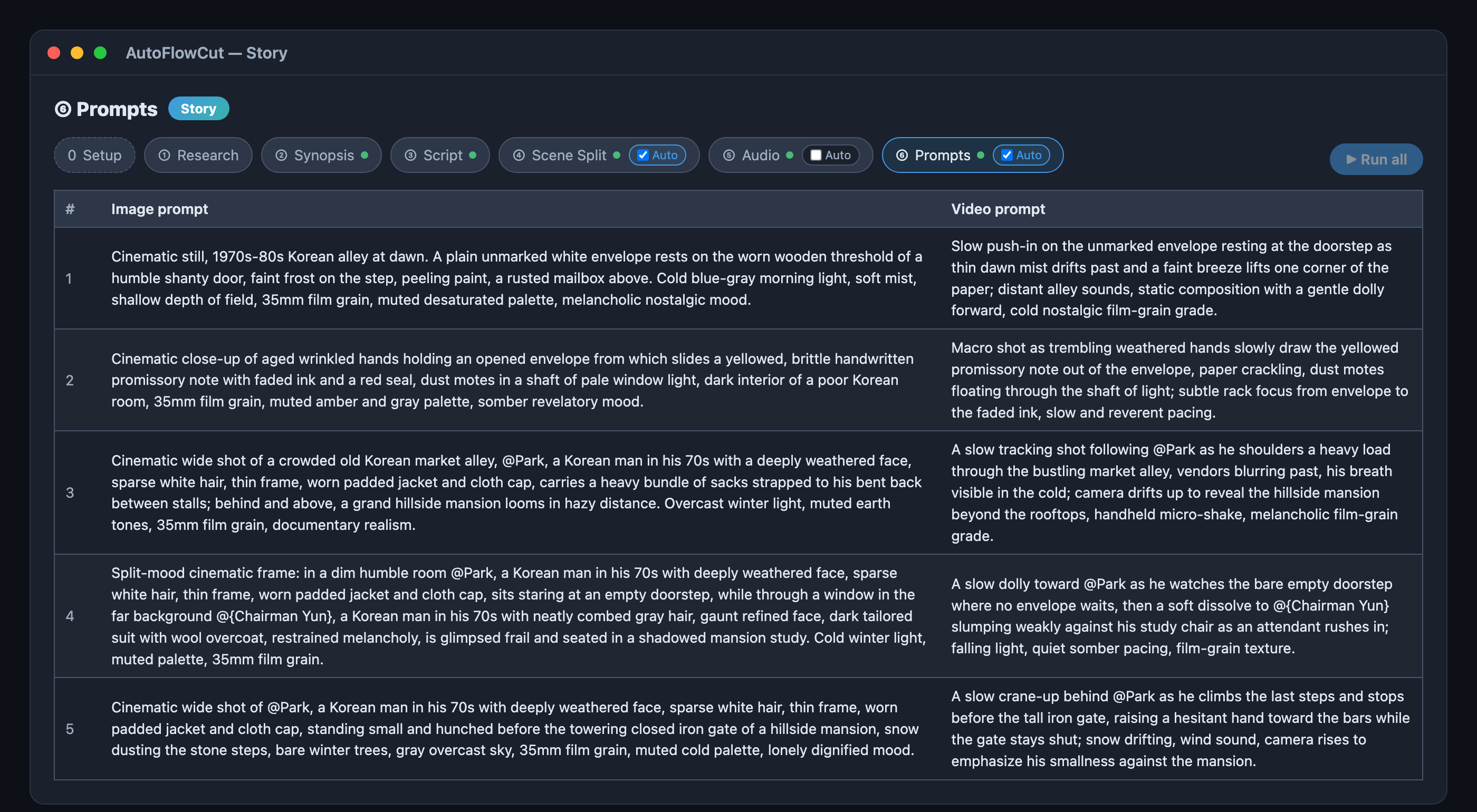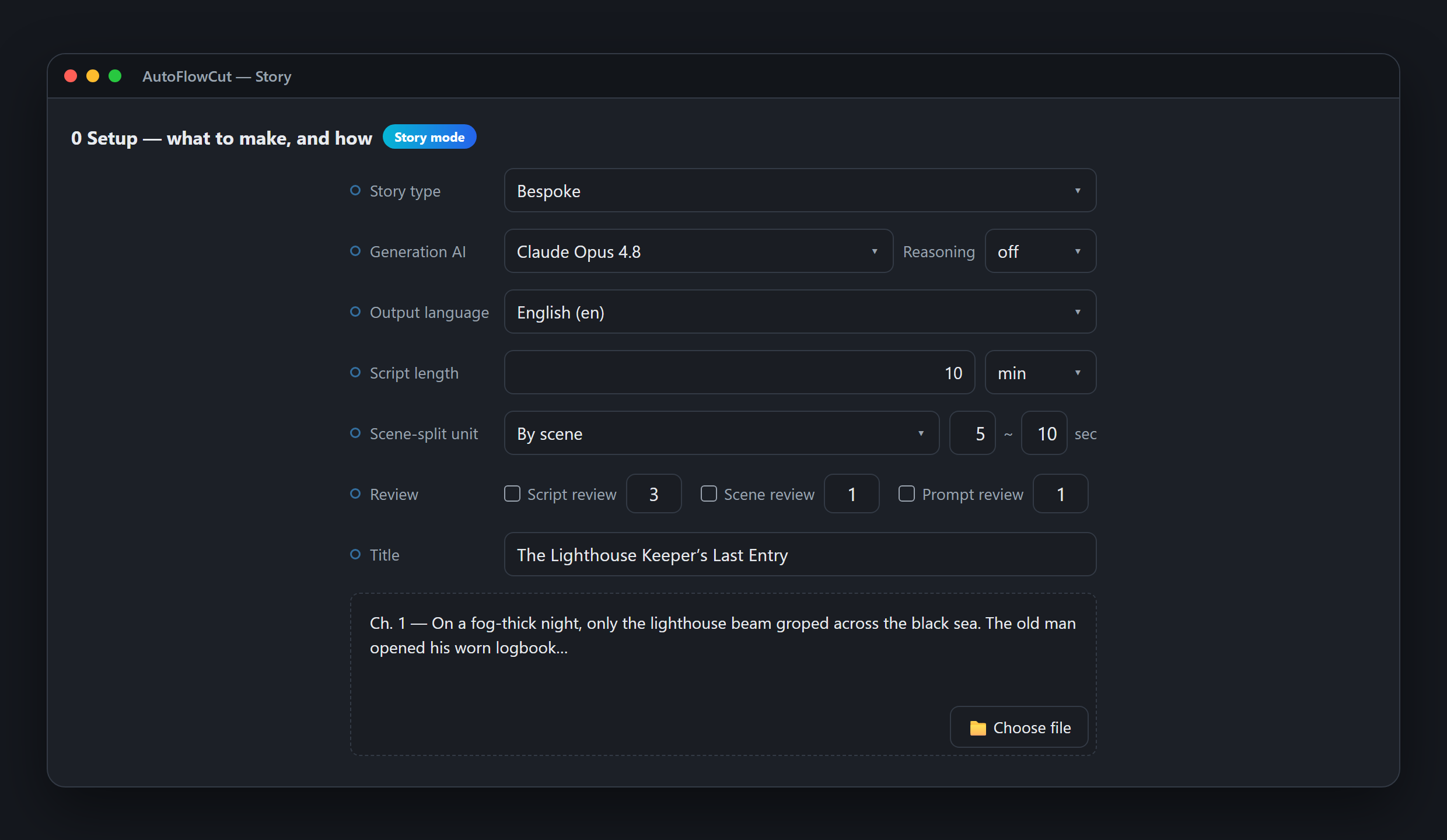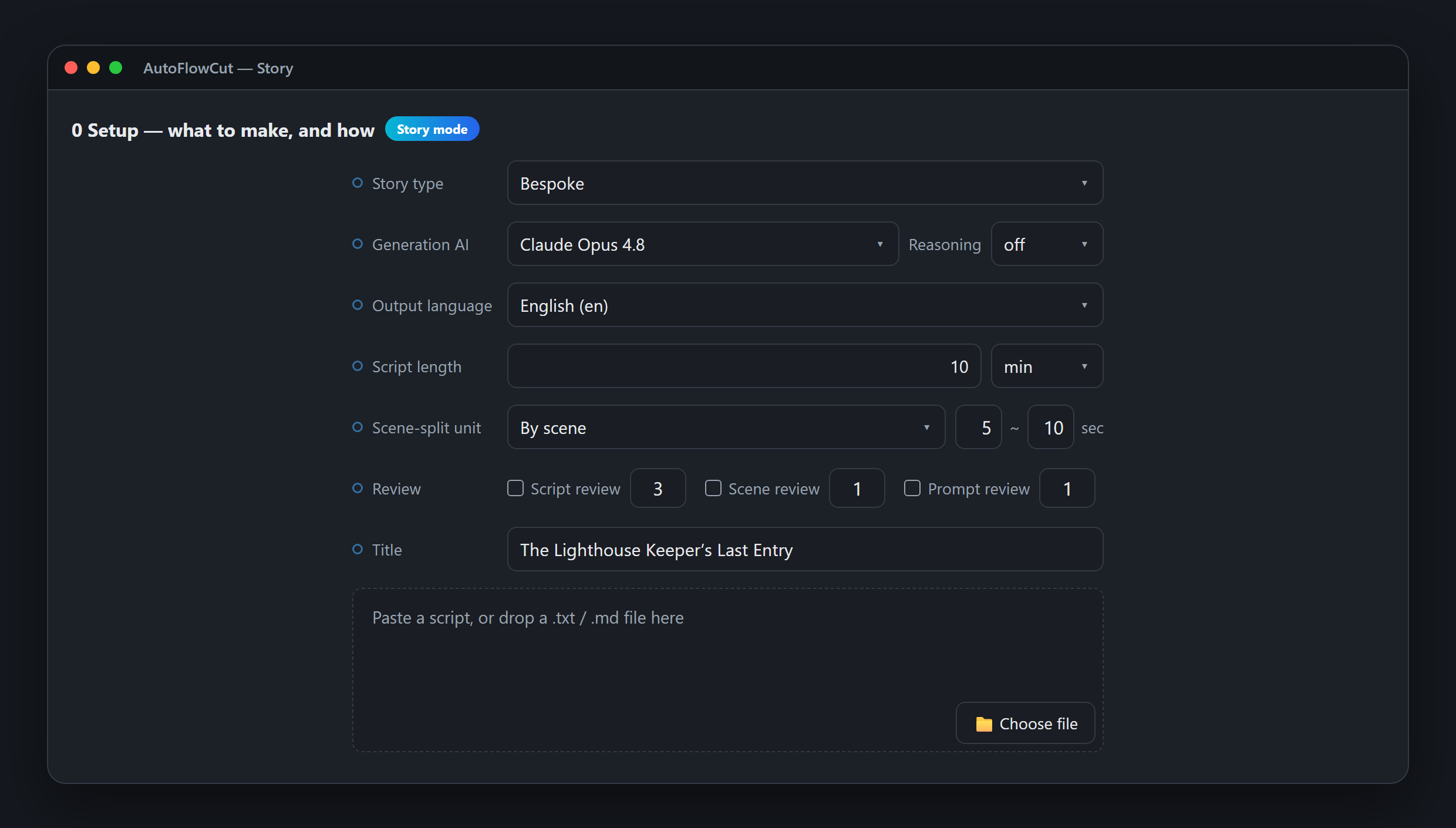

From One Title to 11 Scenes — A Real Story Mode Run
One title through synopsis, cast, script, scene table, audio, and prompts — every step's real output from an actual AutoFlowCut Story mode run.
Tutorials, tips, and updates for AI video creators
One title through synopsis, cast, script, scene table, audio, and prompts — every step's real output from an actual AutoFlowCut Story mode run.
Paste a finished script into Story mode: research is skipped, you just confirm the cast, and it goes on to scene split, audio, and prompts.
No topic, no script, no voice cast — one title is enough. Story mode chains synopsis through prompts and hands you an export-ready scene table.
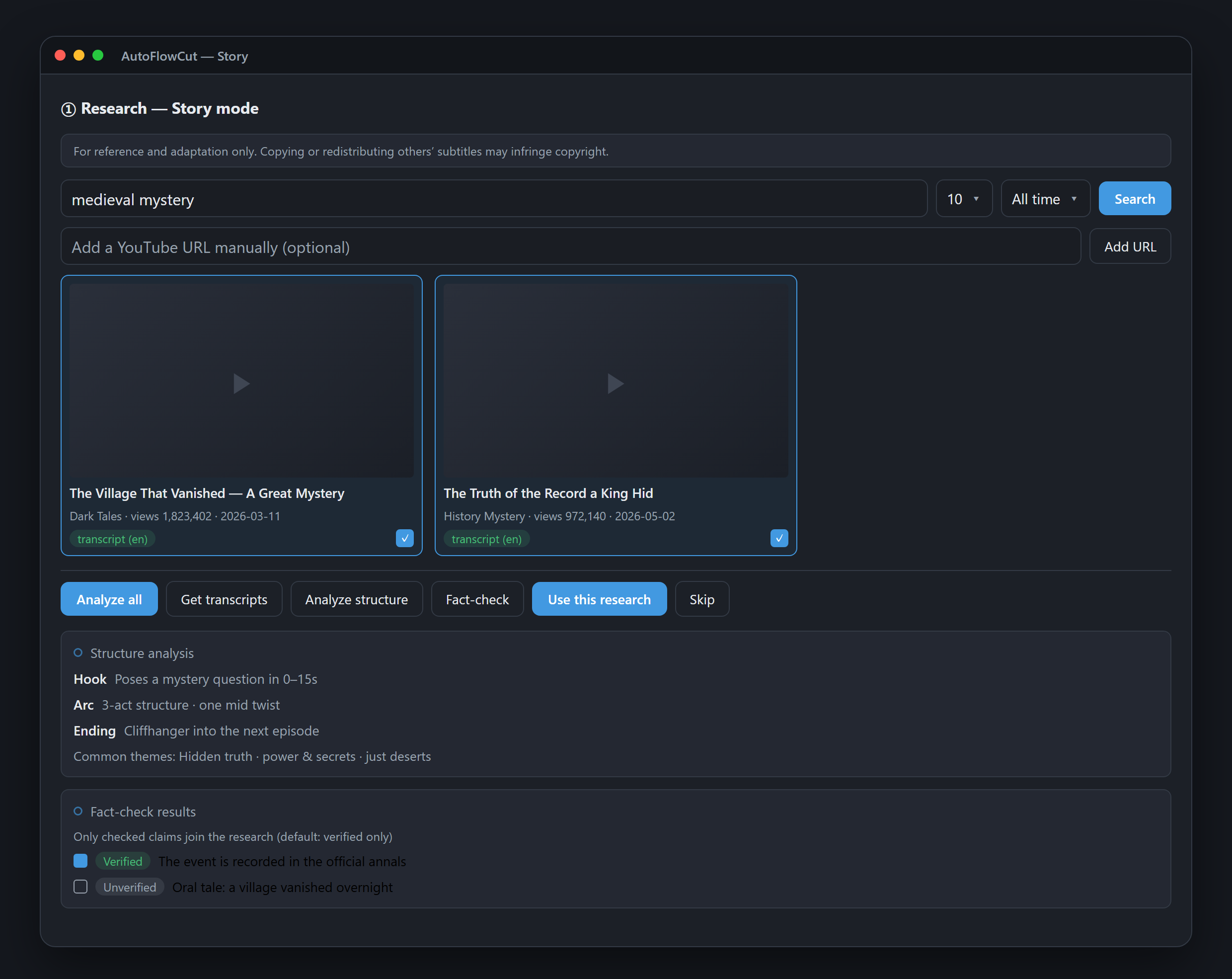
Videos that do well aren't lucky, they're structured. Story mode's Research step analyzes reference videos and fact-checks claims to feed your synopsis.
Generated your images in Midjourney, DALL·E, or another tool? Here's exactly how to drop them into an AutoFlowCut project so each image lands on the right scene — without touching a single line of the project file.
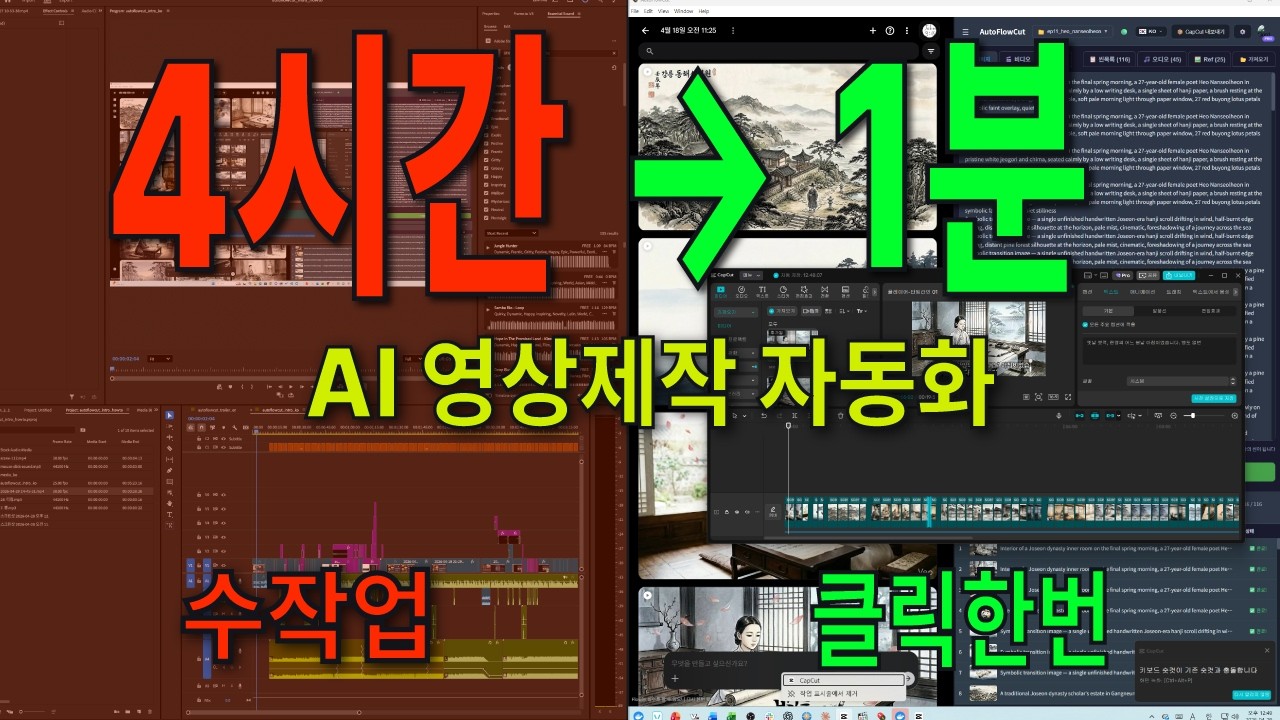
Learn how to generate 200+ AI images with Google Whisk and instantly create a ready-to-edit CapCut project — no more dragging images one by one.