
 Desktop App & Chrome Extension
Convert Google Whisk Images to CapCut Projects
Whisk2CapCut
Batch-export Google Whisk image generations into editable CapCut timelines with subtitles, timing, and motion in one click.
📝 Input TXT/CSV/SRT prompts → Generate 100+ images → Export a ready-to-edit CapCut project
Whisk2CapCutPlugin Preview
See the actual plugin screens
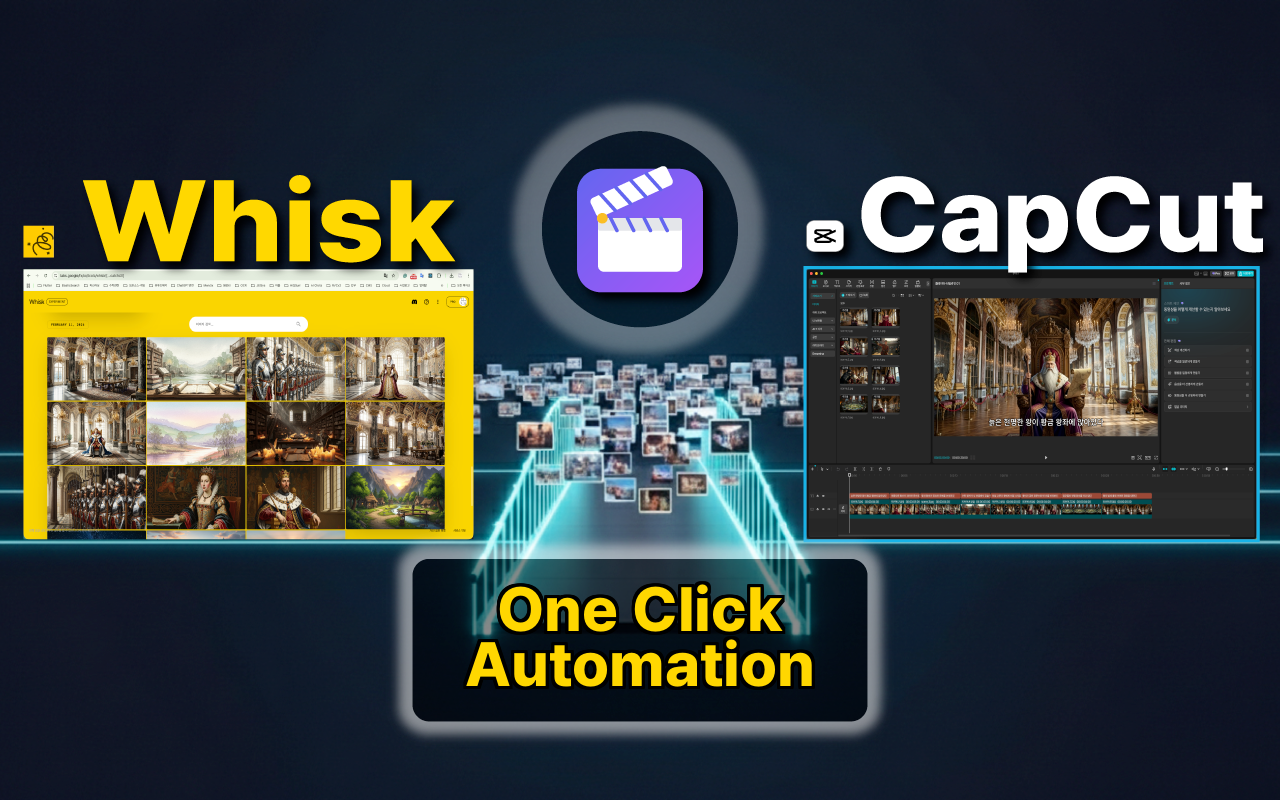
Whisk → CapCut in one click
Understand in 1 Minute
Watch the actual usage process in the video
Demo video coming soon...
Add YouTube video ID here
Choose Your Version
Desktop app recommended for the best experience
| Feature | 💻 Desktop AppRecommended | 🧩 Chrome Plugin |
|---|---|---|
| AI Image Generation | ✓ | ✓ |
| CapCut Project Export | ✓ | ✓ |
| Ken Burns Effect | ✓ | ✓ |
| SRT Subtitle Support | ✓ | ✓ |
| Direct Write to CapCut Folder | ✓ | — |
| Auto-launch CapCut | ✓ | — |
| No Browser Required | ✓ | — |
💻 Desktop AppRecommended
🧩 Chrome Plugin
🌐 Install Chrome ExtensionWhat is Whisk2CapCut?
Whisk2CapCut is a desktop app (also available as a Chrome extension) that bridges Google Whisk AI image generation and CapCut video editing into one seamless AI video automation workflow. Other Whisk tools stop at batch image downloads — Whisk2CapCut goes further and delivers a complete, timeline-ready CapCut video project with images, subtitles, and animations already in place.
What is Google Labs Whisk?
Google Labs Whisk is the latest AI image generation tool developed by Google. It combines text prompts with reference images to create static images with consistent style. With Whisk2CapCut, you can apply Ken Burns effects to these static images and transform them into moving short-form videos.
Reference-based Generation
Use character, background, and style images as references for consistent results
Fast Generation
Generate high-quality AI images in seconds
Free Trial
Free users get 100 AI credits per month (daily generation limits apply)
Massive Time Savings
Transform hours of manual work into minutes of automated efficiency
Generate 100+ AI images with Google Labs Whisk and instantly convert them to a CapCut project with Ken Burns effect (zoom in/out). What takes 4+ hours manually now takes less than 1 minute.
Complete Video Creation Workflow
See where Whisk2CapCut fits in the full AI video production pipeline
Write a Script
Draft your narration or story script.
Generate Voice + Subtitles
Use any TTS service to create voiceover audio and an SRT subtitle file.
Split Scenes from SRT
Each subtitle entry becomes a scene. The SRT file connects voice timing, subtitles, and image generation.
Write Image Prompts
Describe the visual for each scene based on your script.
Whisk2CapCutGenerate Images + Export
Your prompts, subtitles, and timing are all ready from the previous steps. Whisk2CapCut bulk-generates AI images and assembles everything into a complete CapCut project — one click.
This is where Whisk2CapCut takes over!
Final Edit in CapCut
Drop in your voiceover, fine-tune timing, and publish.
SRT = Key Connector
The SRT file is the key connector — it links your TTS voiceover timing to scene splits, image generation, and the final CapCut timeline.
Features
Bulk AI Image Generation
Create 100+ images in ~10 minutes using reference images for consistent style. Auto-retry on errors and token refresh keep batch runs stable.
One-Click CapCut Project Export
Generates a complete CapCut video project with timeline, media, subtitles, and Ken Burns animations. No other Whisk automation tool does this.
Ken Burns Effect
Automatic zoom and pan animations to bring static images to life.
Auto Subtitle
Auto-generate subtitles from prompts or import from CSV/SRT files.
Reference System
Use character, background, and style references for consistent results.
Multi-format Input
Support for text prompts, CSV files, and SRT subtitle files.
Auto-Save & Bulk Download
Every generated image is saved to your local storage automatically. No more downloading Whisk images one by one.
Character Consistency with Auto Tag Matching
Tag your reference images and they're automatically matched to each scene — keeping the same character, background, and style across 200+ scenes. Essential for AI story channels.
Who Is This For?
Faceless YouTube Creators
Automate the entire AI image-to-video pipeline for narration and slideshow channels.
AI Story & Bedtime Story Channels
Keep character consistency across 200+ scenes and export a complete CapCut project in one click.
Shorts, Reels & TikTok Creators
Quickly turn AI-generated scenes into short-form video projects.
Educators & Course Creators
Turn scripts or subtitles into illustrated video lessons with AI images.
AI Video Creators
Even 50 images get tedious. Bulk generate and export them all to a timeline-ready CapCut project.
Why Whisk2CapCut?
Other Whisk extensions only automate image generation and download. Whisk2CapCut is the only tool that:
Exports a complete CapCut video project (not just images)
Places images on the CapCut timeline automatically
Adds subtitle tracks from SRT files
Applies Ken Burns zoom/pan animations
Maintains character consistency with reference tag matching
Stop dragging images one by one. Start with a ready-to-edit video project.
How It Works
See how simple it is with just 3 steps
Whisk2CapCutEnter scene descriptions line by line
Input Guide
Learn how to prepare your prompts and scene data
📝Text Prompts
Enter one scene description per line. Simple and quick for basic projects.
A king sitting on throne in ancient palace
The queen enters the throne room
They discuss important matters together
The king makes a difficult decision
📊Scene CSV
For structured scene data with subtitles, character tags, and timing. Each row represents one scene.
promptScene description for AI image generation
subtitleSubtitle text to display (any language)
charactersCharacter names for reference matching
scene_tagBackground/location tag for reference matching
style_tagArt style tag for reference matching
durationScene duration in seconds
prompt,subtitle,characters,scene_tag,style_tag,duration
"A wise old king sits on golden throne","The wise old king sits on the golden throne",king,palace,cinematic,4
"Beautiful queen enters through doors","The beautiful queen enters through the doors",queen,palace,cinematic,3
"King and queen discuss matters","The king and queen discuss important matters",king;queen,palace,cinematic,4
🖼️Reference CSV
Define your character, background, and style references. The extension auto-matches them with scene tags.
typeReference type: character, background, or style
nameName for matching (e.g., "king", "palace")
image_pathPath to reference image file
prompt / descriptionText prompt describing the reference (optional)
type,name,image_path,description
character,king,images/king.png,"Wise old king with white beard"
character,queen,images/queen.png,"Beautiful queen in red dress"
background,palace,images/palace.png,"Grand palace interior"
style,cinematic,images/cinematic.png,"Dramatic lighting"
💬SRT Subtitle Import
Import standard SRT subtitle files. Each subtitle block becomes a scene with auto-calculated duration.
1
00:00:00,000 --> 00:00:04,000
The wise old king sits on the golden throne

2
00:00:04,000 --> 00:00:07,000
The beautiful queen enters through the doors

3
00:00:07,000 --> 00:00:11,000
The king and queen discuss important matters

4
00:00:11,000 --> 00:00:14,000
The young prince practices sword fighting in the courtyard
🧠How to Use with AI Tools
Step-by-step guide for Claude, ChatGPT, and Gemini
Create a Project
In Claude/ChatGPT/Gemini, create a new project or conversation.
Paste the Meta Prompt
Copy the appropriate meta prompt above and paste it as the system instruction or first message.
Input Your Story
Paste your story, script, or describe your video concept in detail.
Download the Result
Copy the generated CSV/SRT content and save it as a file, or ask the AI to provide it as a downloadable file.
Usage by AI Tool
Claude (Recommended)
Create a new Project with the meta prompt as project instructions. Best for complex stories.
ChatGPT
Use Custom GPT or paste the prompt at the start of conversation.
Gemini
Start a new chat and paste the meta prompt first, then your story.
CapCut Export Guide
Configure export options and import into CapCut
⚙️Export Options
Select a path preset (CapCut / CapCut Pro / Documents) or enter a custom path
Automatically scale media to fit frame while maintaining aspect ratio
Apply zoom/pan animations to images
Include subtitle track (shown only when subtitle data exists)
🎬Ken Burns Effect
Automatically applies zoom and pan animations to image clips, bringing static images to life. Does not apply to video clips.

Ken Burns effect adds natural camera movement to static images, bringing your video to life. Automatically applied when exporting to CapCut.
Cycles through 10 predefined patterns
Generates random zoom/pan values each cycle
📥How to Import to CapCut
📁CapCut Project Folder Path
~/Movies/CapCut/User Data/Projects/com.lveditor.draft/C:\Users\[Username]\AppData\Local\CapCut\User Data\Projects\com.lveditor.draft\C:\Users\[Username]\AppData\Local\CapCutPro\User Data\Projects\com.lveditor.draft\C:\Users\[Username]\Documents\CapCut\Projects\💡 Select a preset (CapCut / CapCut Pro / Documents) in the extension to auto-generate the path.
Download the exported ZIP file
Extract the ZIP file
Copy the extracted folder to CapCut projects folder
Restart CapCut and check the project
🎥Preview in CapCut
This is how your exported project looks in CapCut. Images, subtitles, and animations are all placed on the timeline.
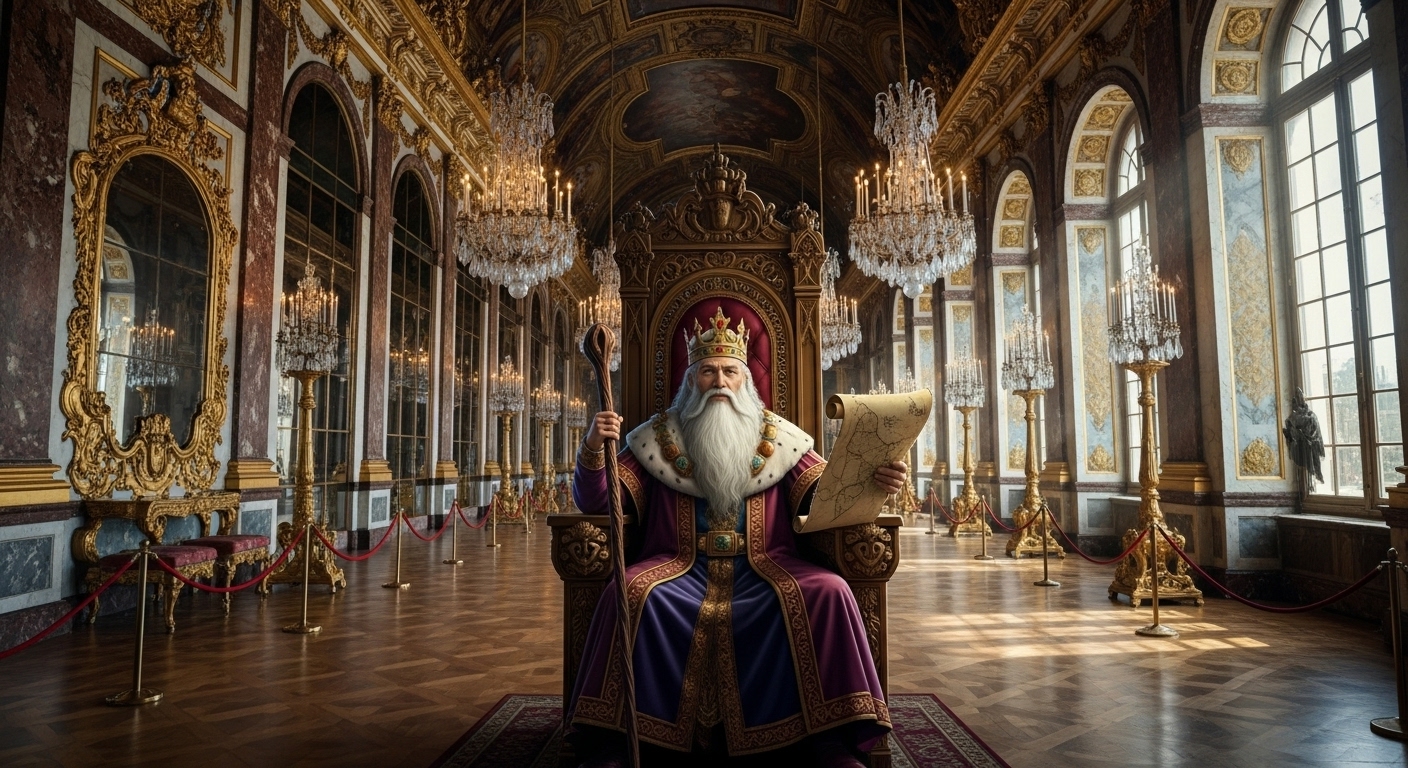

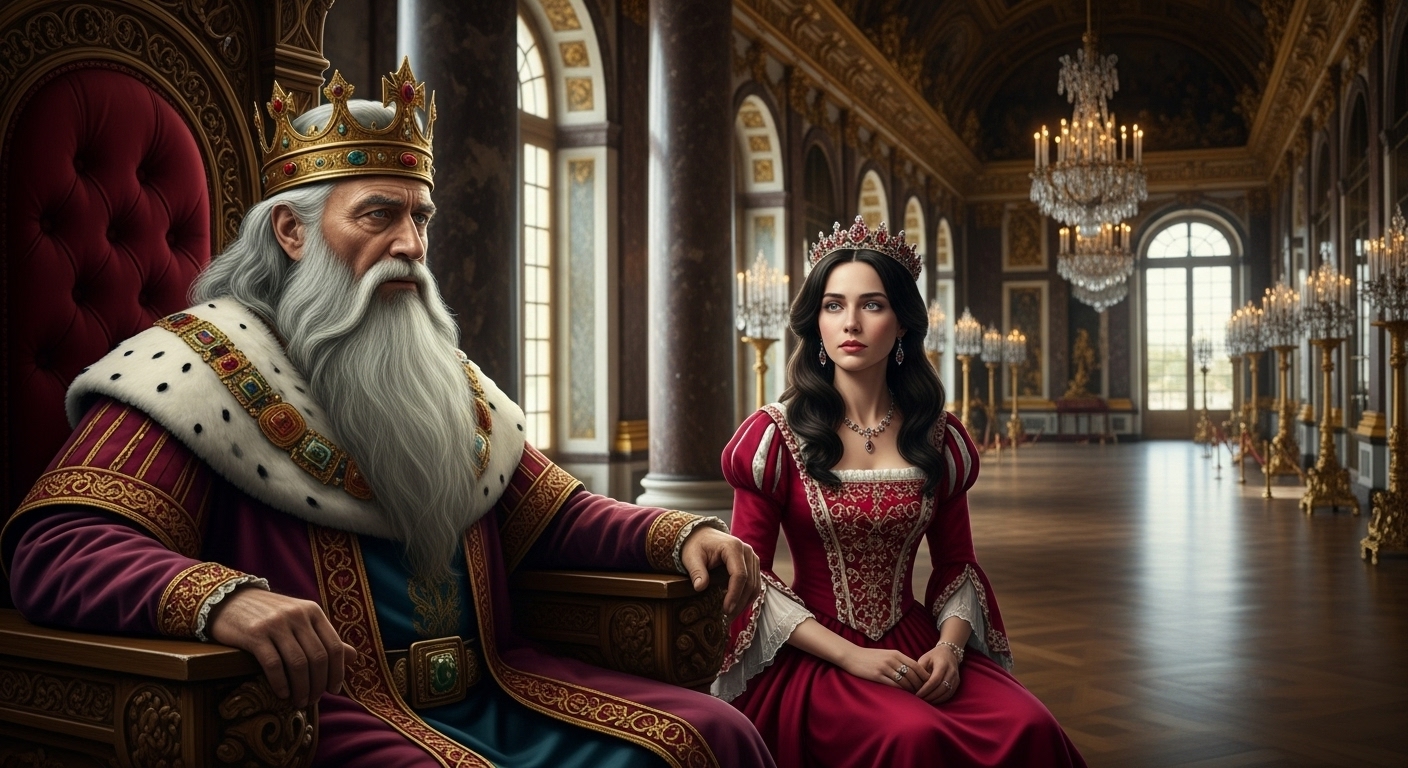

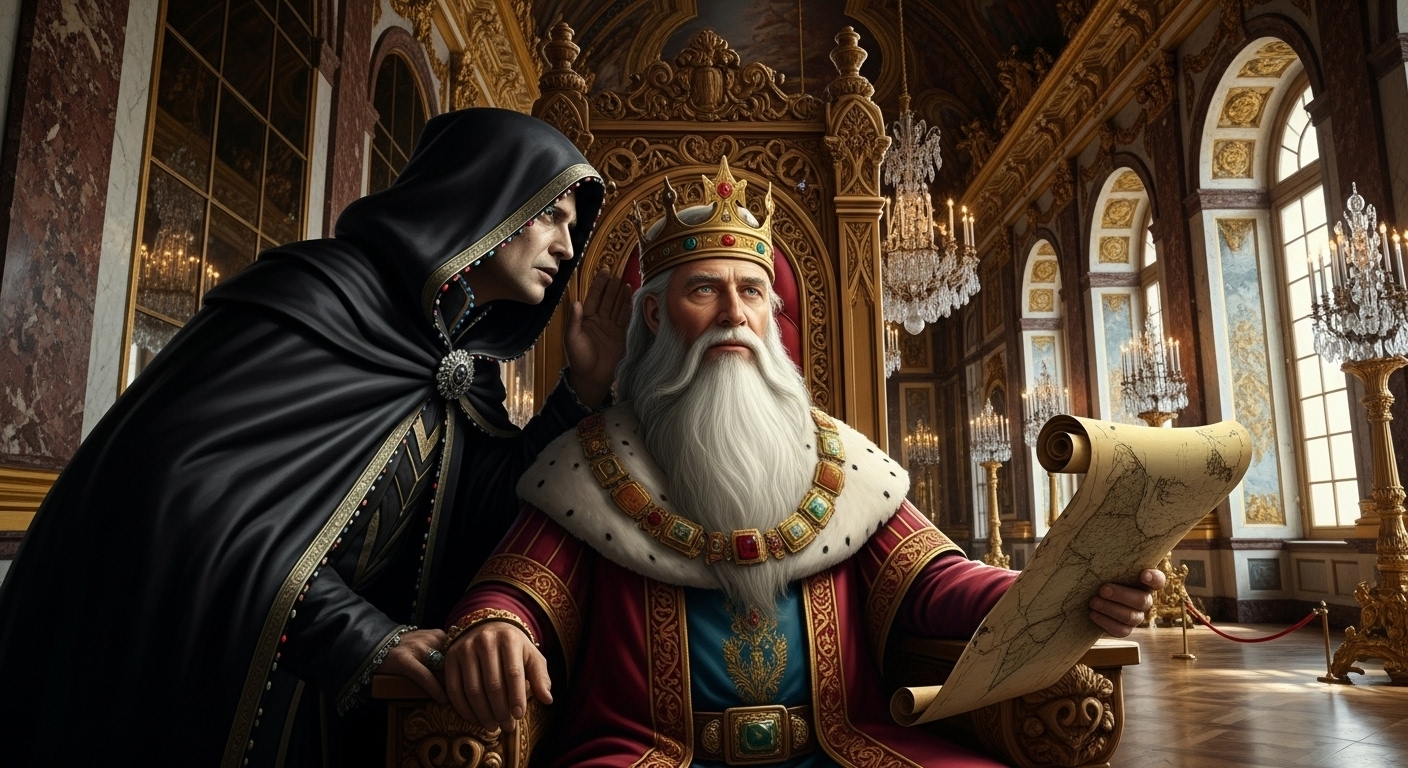


Projects exported with Whisk2CapCut can be edited directly in CapCut. Images, subtitles, and Ken Burns effects are all included.
📂Output Structure
project_folder/
├── draft_info.json        # CapCut project data
├── draft_meta_info.json   # Project metadata
├── media/                 # Image/Video/SFX files
│   ├── scene_001.png
│   ├── scene_002.png
│   └── ...
└── README.txt             # Import guide
Also Available as Desktop App
Standalone app for Windows & macOS — no browser required
v1.0.6 · Free trial: 5 exports / 7 days
Pricing
Start free, upgrade when you need more
Free Trial
5 exports or 7 days, whichever comes first
- Up to 5 CapCut exports
- Up to 7-day trial period
- All basic features
Pro
For serious creators
- Unlimited exports
- Ken Burns effects
- Priority support
Purchase and subscription are handled inside the app — available in both the Desktop app and Chrome extension.
Feature Comparison
| Feature | Free $0 | Pro (Monthly) $4.99/mo | Pro (Yearly) $39.99/yr 33% OFF |
|---|---|---|---|
| Whisk Bulk Image Generation & Auto-Save | Unlimited | Unlimited | Unlimited |
| CapCut Export | 5x/7 days | Unlimited | Unlimited |
| Ken Burns Effect | |||
| Auto Subtitle Insertion | |||
| Priority Support | |||
| Price | $0 Free forever | $4.99 /month | $39.99 /year $3.33/month (33% OFF) |
Privacy & Safety
Your data stays on your device. Always.
No Server Processing
All image generation is handled entirely by Google Labs Whisk. We never process, store, or transmit your images.
Local-Only Operation
Whisk2CapCut operates 100% on your local device — whether as a desktop app or browser extension. Your creative work never leaves your device.
Google Content Safety
Google Labs Whisk enforces built-in safety filters that block NSFW and inappropriate content at the source level.
No Content Control
We have no technical capability to monitor or control Google Labs Whisk's output. All content concerns should be directed to Google.
Use with Confidence
Images Processed Locally
Generated images are processed locally on your device. Image files are never uploaded to our servers.
Independent Tool
Whisk2CapCut is an independently developed tool, not affiliated with or endorsed by Google or CapCut.
Secure Payments
All payments are securely processed through Lemon Squeezy. Your card information is never stored.
Frequently Asked Questions
Got questions? We have answers.
Is Google Labs Whisk free?
Is CapCut free?
How do I install Whisk2CapCut?
How do I import a CapCut project?
What are the Pro subscription benefits?
What is your refund policy?
Ready to Create?
Download the desktop app or install the Chrome extension to get started.